


Connecting your favourite AI tools to monday.com

Updated: Apr 7
If you’re using tools like ChatGPT, Clause or Cursor alongside monday.com, your workflow probably looks like this:
Copy something from your board → paste it into AI → get an answer → copy it back → update your task → do it all over again for every single task required.
It works, but it’s clunky. And if you’re anything like us, your brain will quickly fry itself switching between fifty open tabs and trying to remember which tool is being used for which task at any given time.
We’re noticing that more teams are looking for ways to connect ChatGPT to monday.com (among other AI tools) so they can act directly on their work without jumping between platforms.
And now with monday MCP, it’s actually possible. And it’s easy.
Why teams want AI tools inside monday.com
AI is already part of most workflows. We see teams using it to:
Summarise updates
Write quick, bite-sized content
Analyse data
Generate ideas and jumping-off points
Streamline admin
Tidy up briefs
Simplify rambly emails
...the list goes on.
But when AI sits outside your workspace, it stays as a helper rather than a doer. You still need to manually move info between tools, update boards and trigger workflows.
monday.com AI integration changes this by allowing you to connect those very tools with your monday workspace. Copy-paste loops become redundant, and real-time execution inside your workflow speeds up and streamlines the entire process.
What is monday MCP?
monday MCP (Model Context Protocol monday) is essentially a secure bridge between your AI tools and your monday.com account.
It allows AI tools like ChatGPT, Claude or Cursor to:
Understand your monday boards
Access relevant data
Perform actions (like creating or updating items)
But – and this is important – it doesn’t give them unlimited access.
Instead, monday.com MCP works within defined permissions, so your AI can only see and act on what you allow.
The API is a technical, more traditional connection for rule-based applications that developers use to build integrations. Most teams need this done for them.
The MCP is a user-friendly and standardised way to connect AI tools directly to your workflow, allowing AI apps to interact with monday.com using natural language.
If you’ve ever wondered about monday.com API vs MCP, this is the key difference: MCP is built for everyday users, not developers.
How to connect ChatGPT, Claude or Cursor to monday.com
Looking for a step-by-step on how to connect ChatGPT to monday.com (or Claude or Cursor)? The basic setup is surprisingly simple.
Step 1: Connect securely
Start by installing the monday MCP app from the marketplace. This is where you configure access and permissions, which decide what your AI tool can interact with.
This step is critical for secure AI workflows.
Step 2: Connect your AI tool
Next, connect your preferred AI assistant. You can:
Each connection is authorised individually using secure login (OAuth), meaning your AI tool only gets access based on your user permissions.
Step 3: Ask AI to act
Once connected, you can interact with your boards directly from your AI chat using plain language. For example:
“Summarise all overdue tasks”
“Create a new project board for marketing campaigns”
“Update all items in this group to ‘In Progress’”
Step 4: Get instant results
Without leaving the chat, your AI tool can now update your data, create tasks, generate summaries, analyse board activity and trigger workflows.
This is what makes AI tools with monday.com so powerful. They execute rather than merely assist.
Understanding permissions (without the jargon)
A common question we hear is, “Is it safe to connect AI to monday.com?”
Short answer: yes, if you set it up correctly.
Here’s how AI permissions in monday.com work in simple terms:
Your AI tool can only access what you can access
Each user connects their AI tool individually
Access is controlled through secure authorisation (OAuth)
Permissions depend on what you allow during setup
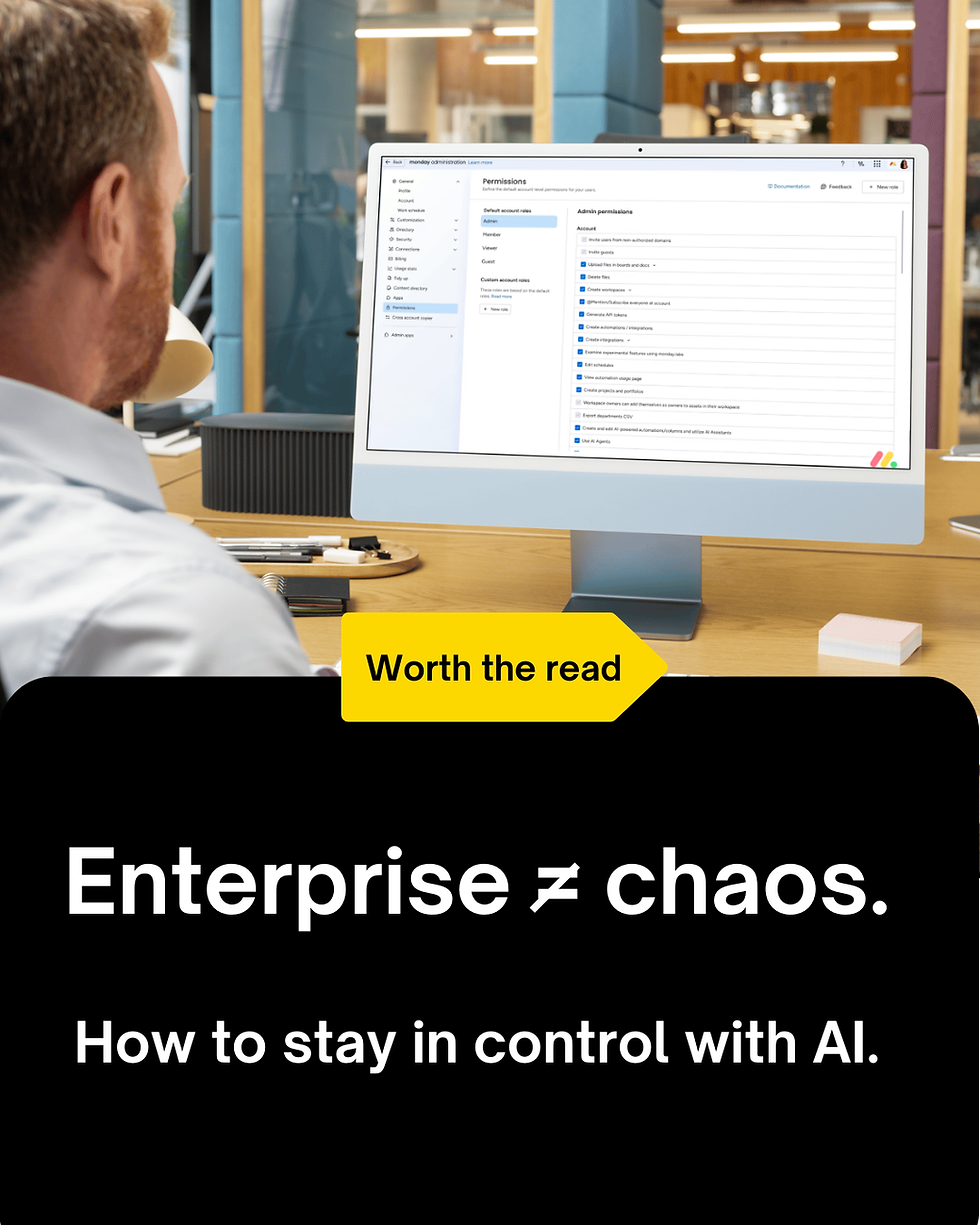
In other words, if you can’t see a board, your AI can’t see it. And if you can’t edit something, your AI can’t edit it, either. This is why how to manage AI permissions in monday.com matters.
But wait! Do this before connecting external AI tools
While AI speeds things up, control keeps things safe. Before connecting any of your trusted AI tools to your workflow, teams should:
Define which boards are safe to access
Decide who can connect AI tools
Limit write access where needed
Align with internal governance policies
What can you actually do with monday MCP?
Once everything is connected, this is where things get interesting. Here are some practical use cases we see teams using every day:
Generate updates instantly: Ask AI to summarise a board or create a project update, then push it directly into monday.
Create items and tasks: Skip manual entry and just tell AI what you need – it builds it for you.
Summarise board data: Turn large boards into quick insights like overdue tasks, bottlenecks and team workload.
Trigger workflows: Use AI to update statuses, assign owners, or move items across workflows.
Analyse and report: Ask AI questions about your data and get instant, contextual answers.
The real benefit: less friction, more action
As with most increasingly-intelligent AI tools these days, the biggest shift with monday.com MCP moves beyond mere convenience and into tangible momentum.
When AI can act directly inside your workflow, decisions turn into action faster and workflows become more responsive. Admin is vastly reduced (even disappearing entirely for many projects) and teams stay focused – allowing their efforts to funnel into higher-level thinking and more creative, scalable action.
Instead of managing tools, you’re managing outcomes. For us, and for many of our clients, that’s the real value of monday.com AI integration.
Ready to connect your AI tools to monday.com?
If you’re exploring how to use Claude with monday.com boards, connect ChatGPT to monday.com, or build smarter workflows with MCP, the opportunity is huge – but the setup matters.
At Kick Consulting, we help teams implement secure, scalable AI workflows that actually work in real life.
From permissions to automation design, we’ll make sure your AI workflow builder monday.com setup delivers results without creating risk.
Book a consult with Kick Consulting and start connecting your AI tools to monday.com the right way.
Further reading: Check out our favourite monday.com apps and features you can start using right now.



Comments