


The hidden cost of a messy monday.com setup (and how to fix it)

Do you have a messy monday.com setup? You might think it’s fine for now. You’ll get to the spring clean later – it’s functioning right now, and the team seems okay with task automations and updates.
But there’s a hidden cost of a messy monday.com setup: wasted time, duplicated effort, poor visibility, and systems that actively slow your team down instead of helping them move faster.
Let’s look at how to fix a messy monday.com account.
Most monday.com problems are structure problems, not platform problems
When teams start asking why monday.com isn’t saving time, the instinct is often to blame the software. But in most cases, monday itself is not the issue.
The real problem is that the system has grown without structure.
This is where many monday.com setup mistakes begin. It usually happens gradually:
A new board gets added to solve a temporary issue
An automation is layered on without reviewing existing logic
Teams create their own workarounds outside the main workflow
Reporting gets moved into spreadsheets because dashboards no longer reflect reality
These are classic monday.com implementation mistakes that quietly compound over time. Before long, what began as a clean, flexible system turns into a patchwork of disconnected processes.
The warning signs your monday workspace needs an audit
A messy monday setup tends to create the same recurring symptoms. These are some of the most common monday.com mistakes businesses make, and they’re often the earliest signs that your system needs attention.
Too many disconnected boards
If every department is operating in separate boards with no shared logic, information becomes fragmented.
Sales can’t see delivery updates. Operations can’t track handovers. Leadership loses visibility across teams.
Disconnected boards usually point to weak monday.com board structure, which creates silos – and silos create blind spots.
If you’re entering data more than once, you have a problem
Duplicate data entry leads to a messy monday board. If your team is copying information from one board to another, or manually transferring details between departments, the system is creating extra work instead of removing it.
The good news is you can prevent multiple data entries with features like monday.com automation, mirrored columns, connected boards, and monday workflows.
A strong setup utilising these features should allow information to flow automatically across your workspace. For example:
Sales updates should feed directly into onboarding.
Client details should sync between teams.
Status changes should trigger the next action without someone needing to manually recreate the task elsewhere.
When data only needs to be entered once, workflows become faster and cleaner.
Dashboards nobody uses
Dashboards are meant to be decision tools. If your team is still exporting reports into Excel or avoiding dashboards because the data feels inaccurate, it’s a sign the reporting layer has lost integrity.
This is one of the most common causes of hidden monday.com productivity issues.
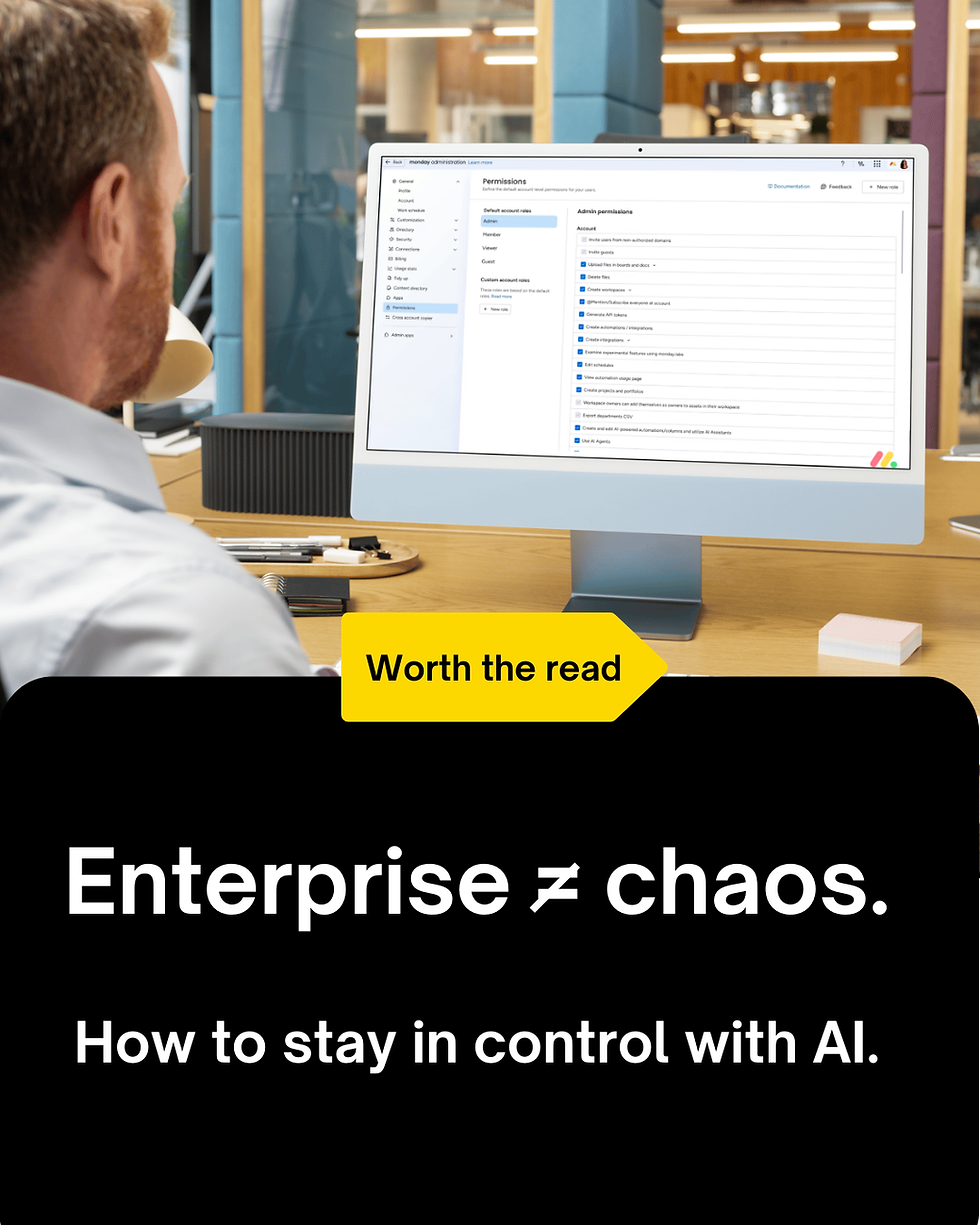
Permissions are too loose (or too restrictive)
When too many people can change board structures, accidental workflow disruption becomes common.
When permissions are too restrictive, teams create shadow systems outside monday just to get work done.
This is where proper monday.com governance becomes critical.
AI is sitting on top of messy workflows
This is the new 2026 problem many businesses are now facing.
AI tools like monday sidekick and AI Blocks are incredibly powerful, but they also amplify whatever system they sit on top of. That can be great – unless the system is broken to begin with.
If your workflows are disorganised, AI won’t magically fix them. It will simply make the confusion happen faster.
Why messy systems and double handling become expensive
The real damage of a poor setup is cumulative. Small issues might not raise immediate alarm bells on a balance sheet, but they affect every part of the business.
A team wasting ten minutes a day navigating poor workflows loses hundreds of hours a year. That’s the hidden cost most businesses underestimate.
And if your team is constantly re-entering data across boards, emails and spreadsheets, you’re likely also dealing with the hidden cost of double handling. Knowing how to stop double handling in monday.com starts with fixing the structure underneath it.
What a proper monday.com system audit actually looks at
A monday system audit is not just about cleaning up boards or making things look pretty (much as we love a nice colour-coordinated Monday board).
A proper audit examines how your monday workspace functions as a whole operating system. We suggest you start with the following questions:
Board architecture: Are your boards structured logically, or have they multiplied without purpose?
Workflow connections: Are connected boards and mirrored columns being used properly, or are teams manually duplicating information instead of using built-in monday.com integrations?
Automation health: Which automations are still relevant? Which are redundant, broken, or conflicting?
Dashboard usefulness: Are dashboards reflecting live operational reality, or are they decorative rather than functional?
Permissions and governance: Who can edit structures, create automations, or change workflows, and should they?
AI readiness: Are your workflows structured cleanly enough for AI to operate effectively and safely?
This is the first step in understanding how to fix a messy monday.com account before inefficiencies spread further.
How to clean up a monday.com workspace: the fixes are often simpler than expected
Messy monday systems are usually easier to repair than businesses expect. The answer is to simplify. At Kick Consulting, we conduct part of a governance audit for many clients.
Here’s our quick step-by-step to get started:
Consolidate duplicated boards and remove redundant workflows
Reconnect fragmented or broken workflows if they still serve a purpose
Redesign dashboards around decision-making needs
Tighten permissions and AI access controls to better protect workflow integrity
One of the most useful tools for this process (and one we use ourselves) is monday’s content directory. It gives account admins a high-level overview of every workspace, board, dashboard and workdoc across the account. You’ll also see where everything is located and when it was last updated.
Part of our audit process is to export this data and review it with clients directly. It quickly reveals how many boards exist across the account, where they live, who’s using them, and whether the structure still reflects how the business actually operates.
Streamlining your workflow? Check out these 5 essential monday.com boards every business needs to help consolidate your setup.
What a healthy monday setup should feel like
When monday.com is working properly, it fades into the background – in a good way.
Tasks will move clearly. Dashboards will answer questions instantly. Automations will feel invisible. AI tools will accelerate clean processes, not expose broken ones.
This is the difference between using monday.com as software and using it as a true operational backbone. Invest in a strong foundational setup and build in best practices like account permissions and board ownership for greater control.
Avoiding costly monday.com workflow mistakes is what separates a scalable system from one that creates constant drag.
If your system feels harder than it should, that is the signal
Most businesses wait too long to audit their monday setup. They adapt to inefficiency instead of fixing it. The real solution is to fix the structure underneath your monday setup.
This is exactly where an experienced monday.com partner like Kick Consulting can make the difference, by identifying weak points before they become expensive bottlenecks.
Book a consult with Kick Consulting and to clean up your messy monday.com board.



Comments